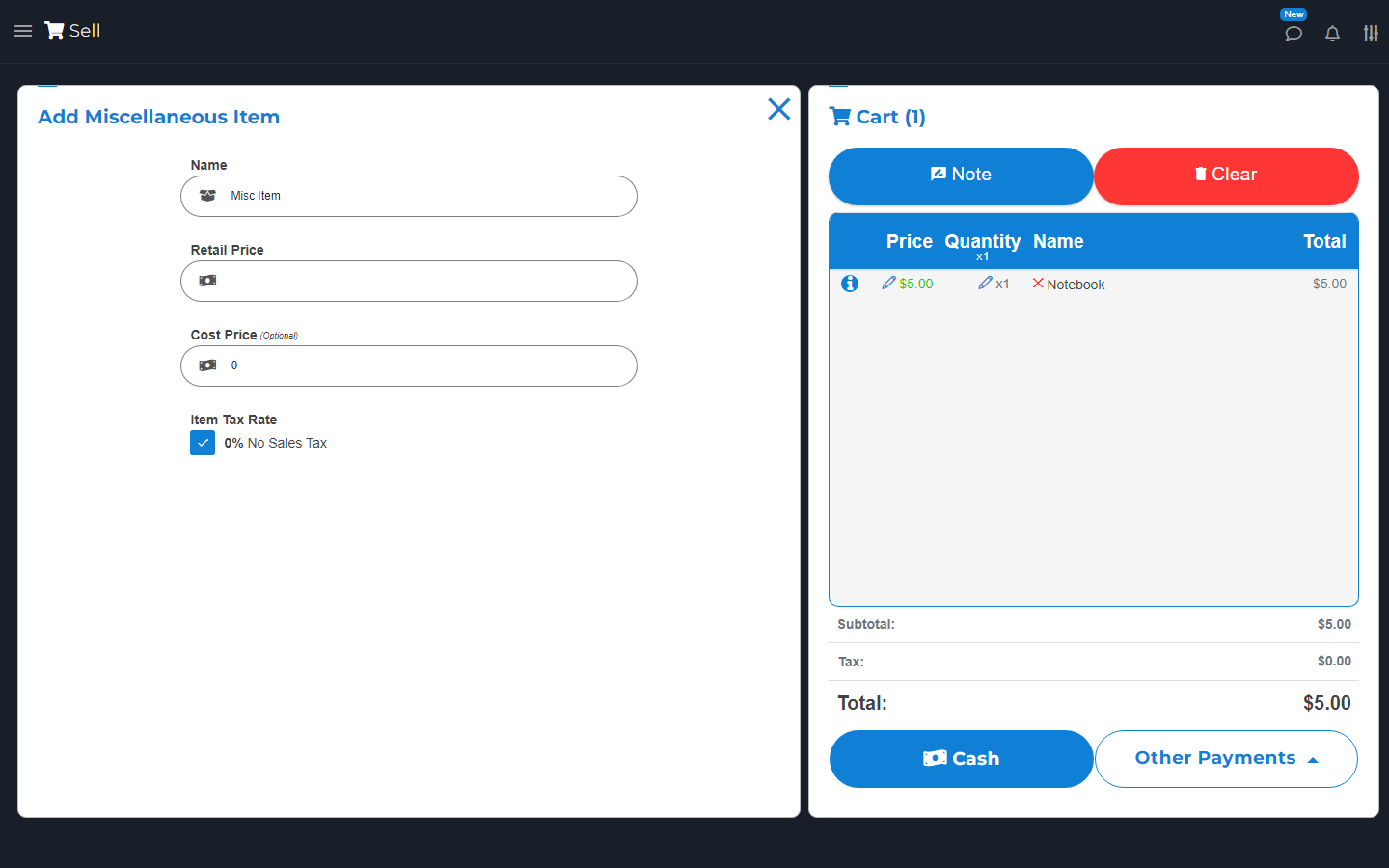
Add-on: Miscellaneous Item Sale.
Connect your Stripe account to get this add-on for free.
Use Misc Item to add an item to this sale without creating an Inventory item.
Use it when you need to name and price something during a sale.

 Visit website
Sell something that is not in your item list.
Add-on: Miscellaneous Item Sale.
Connect your Stripe account to get this add-on for free.
Use Misc Item to add an item to this sale without creating an Inventory item.
Use it when you need to name and price something during a sale.
On Sell, choose Misc Item. Enter its name, price, and tax rate. Add cost if you track it. Choose a printer station if needed and available.
Check the new cart line. Add a regular inventory item later if you plan to keep selling it.