Open your store-name menu and choose Support. You can read the manual or send a Support Ticket.
Tell us what you tried and what happened. Do not include passwords, login codes, or full card details.

 Visit website
Get help from the M&M POS team, report a problem, or send feedback.
Open your store-name menu and choose Support. You can read the manual or send a Support Ticket.
Tell us what you tried and what happened. Do not include passwords, login codes, or full card details.
A bug is something that did not work as expected. A feature request asks for a new tool. Include your device type if it helps explain the problem.
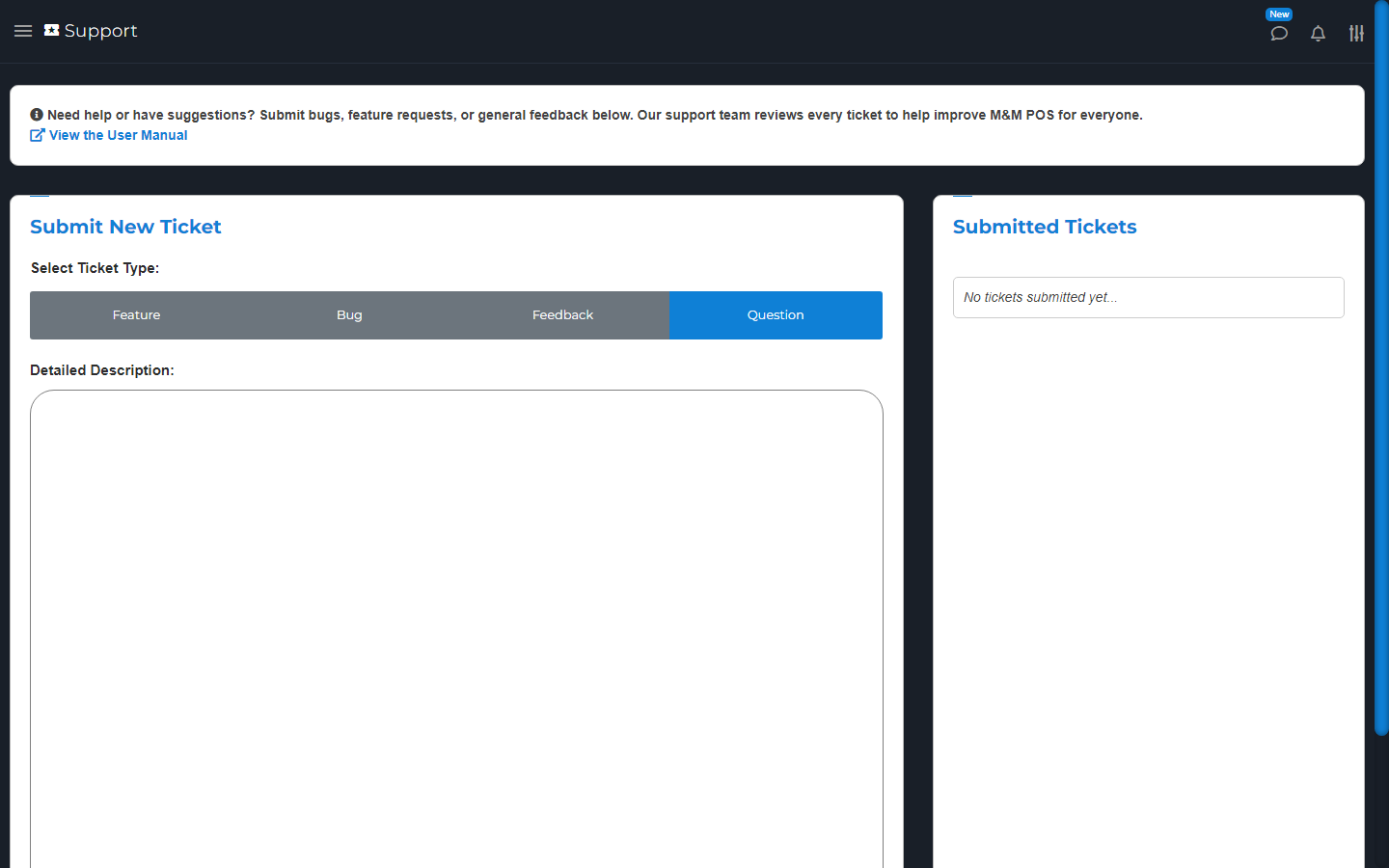
Use Support to report a problem or ask for a tool. If a rating or share screen appears, use it only if you want to.
Submit Feedback sends the feedback through the offered form. Share can open an outside app, so check the message and recipient before sending. For an unresolved problem, use a Support Ticket so our team can help.
Need a custom feature or integration? Our team would be happy to help. Tell us what you need and how it would help your store. We will review your request and discuss the next steps with you. Contact our team.