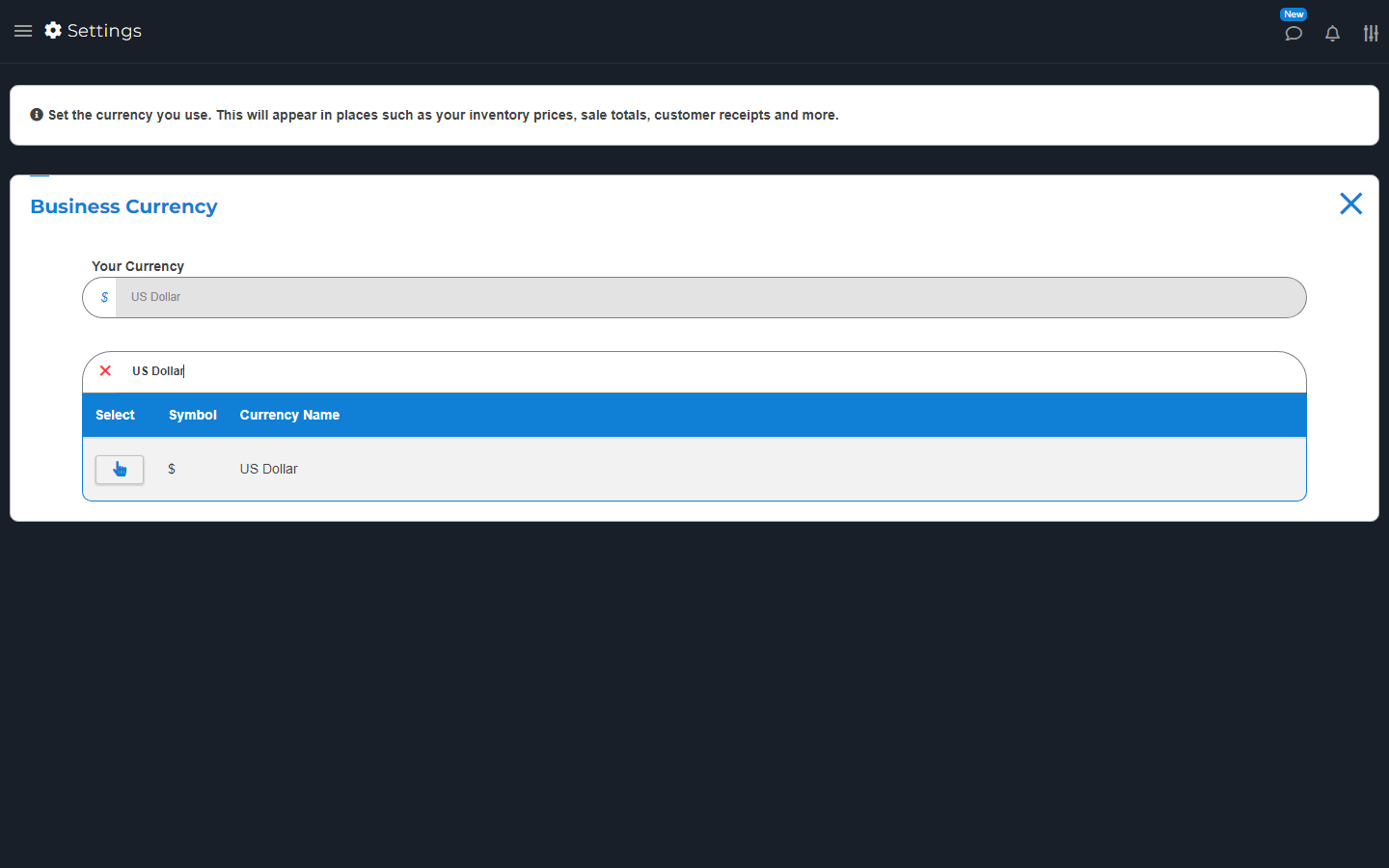
Open Settings > Business Currency and choose your store's currency.
Set this before you start selling. Changing a symbol is not the same as converting old prices or bank payments. Ask Support before changing a working store to another currency.

 Visit website
Choose how sales are paid and which currency your store uses.
Open Settings > Business Currency and choose your store's currency.
Set this before you start selling. Changing a symbol is not the same as converting old prices or bank payments. Ask Support before changing a working store to another currency.
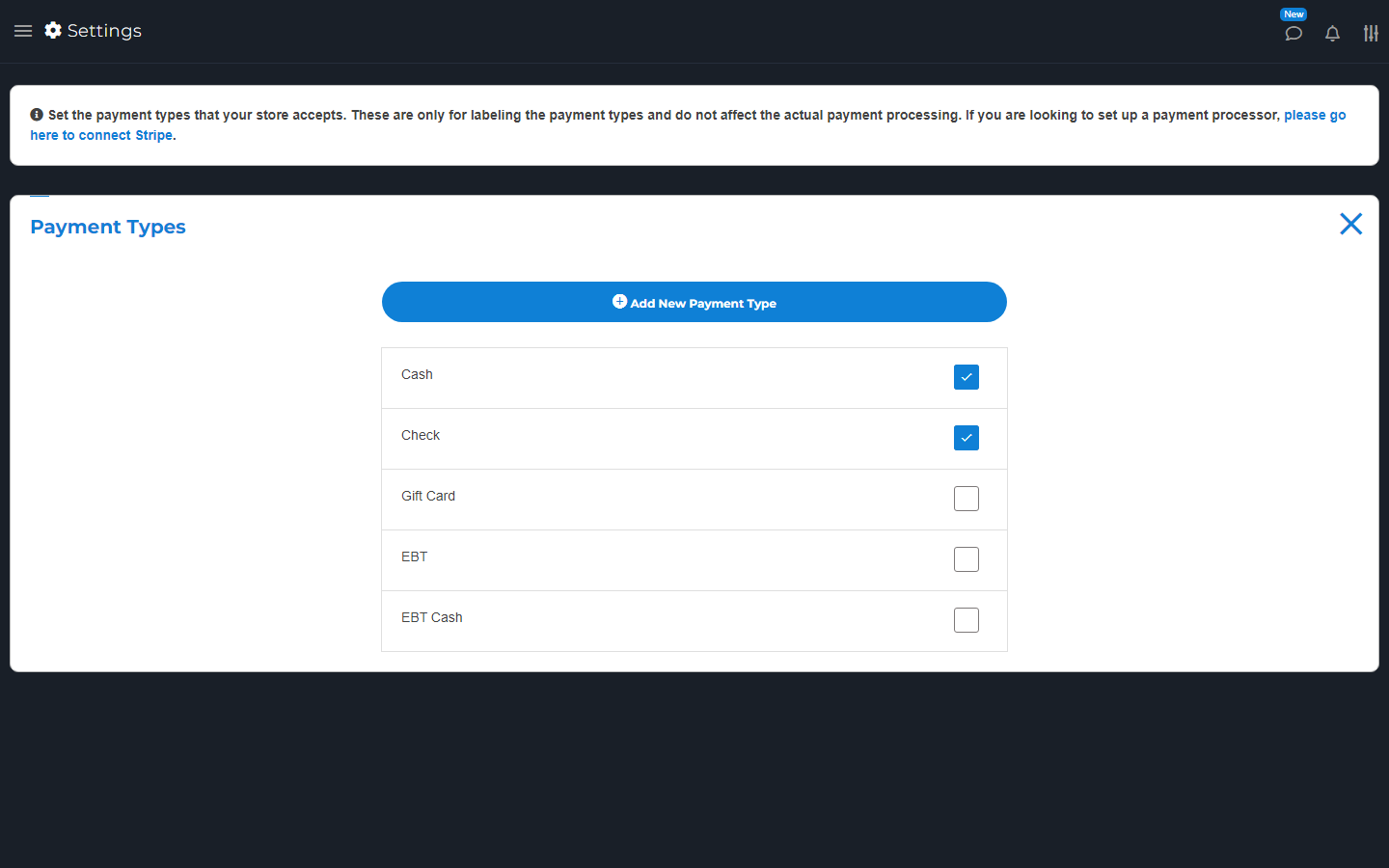
Open Settings > Payment Types. Turn methods on or off, or add a custom name. Set the allowed methods on your items too.
These names label how a sale was paid. Adding a name does not connect a bank or process a card. Set up Stripe or another supported processor separately.