

Docs Visit website
Payments & cash

Tax Rates

Set tax rates and choose how tax is included in prices.

Tax Rates

Open Settings > Tax Rates. Choose Add New Tax Rate. Enter Tax Name and Tax Percent, then choose Save. Set the correct rates on inventory items.

Editing a rate can affect all items using that tax profile. A profile is a saved tax rule. Check a cart and receipt after changing it. Ask your tax adviser which rates you must charge.
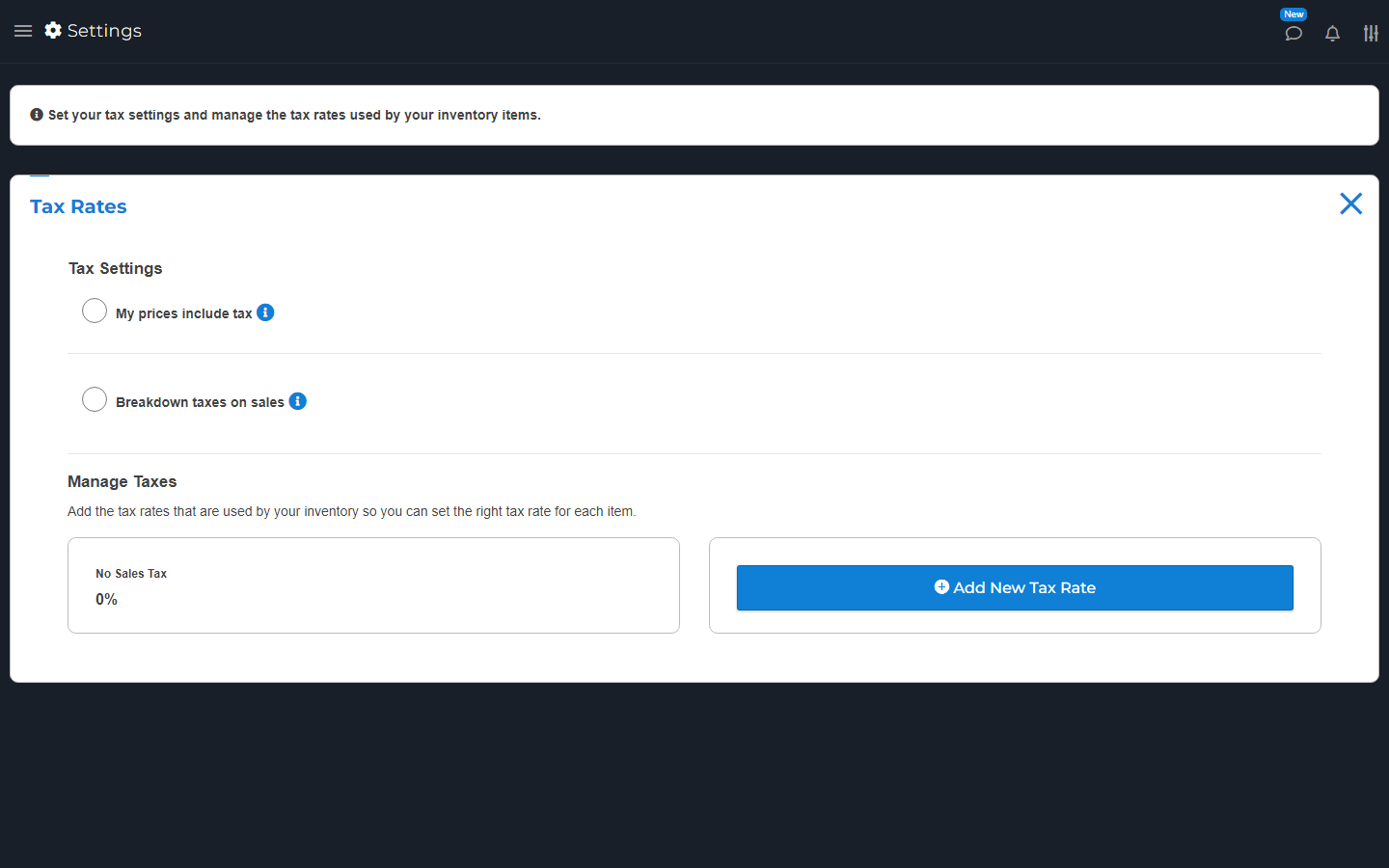
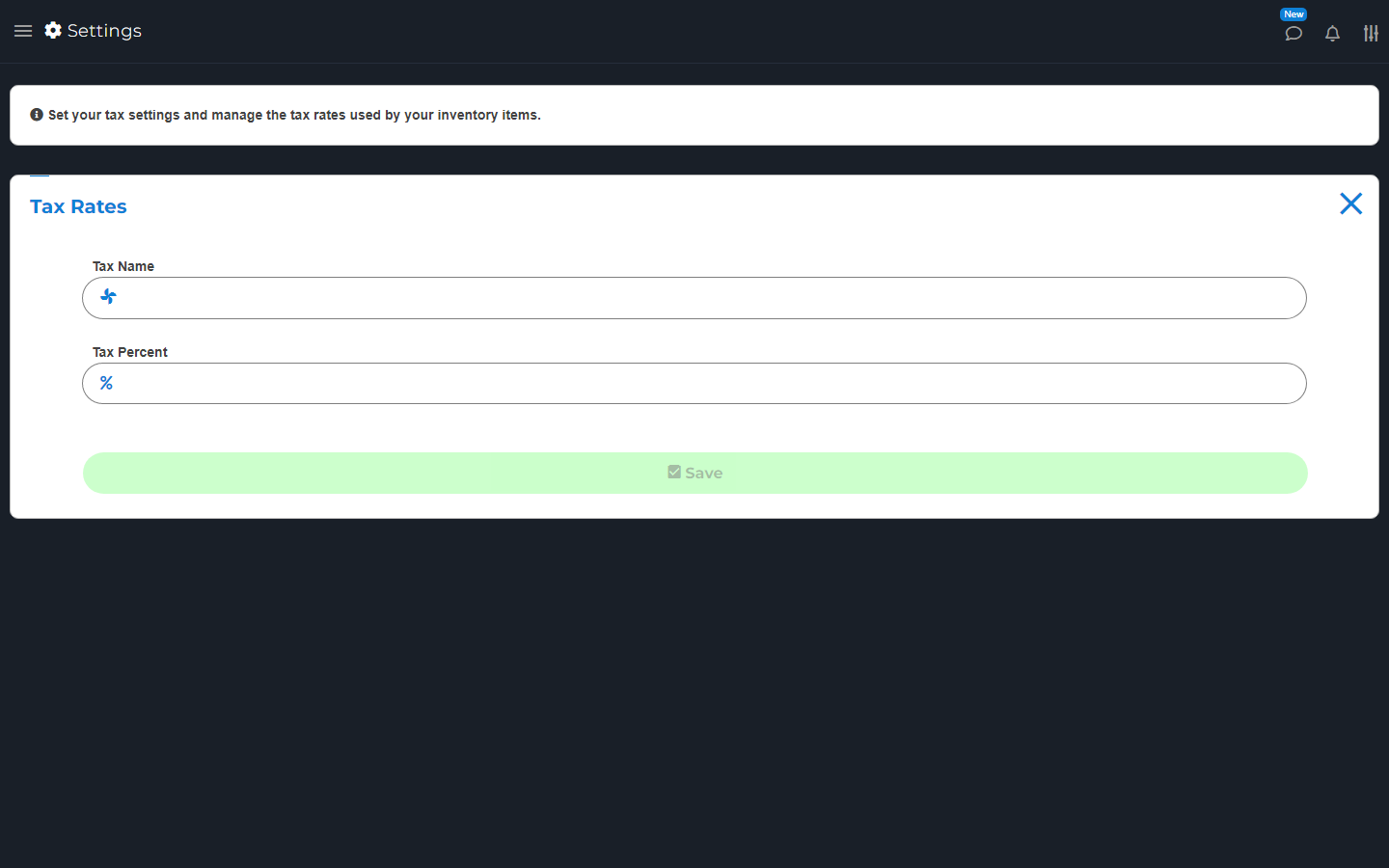
Tax Rates settings with the Add Tax Rate button.
Add tax rates here, then choose the right rate for each item.
New tax-rate form with name and percentage fields, before saving.
Give the tax rate a name and enter the rate that applies to your business.

My prices include tax

Open Settings > Tax Rates. Turn on My prices include tax only when the entered price already includes it.

Breakdown taxes on sales controls how taxes are shown. Check the item price and full cart total after a change. Do not turn this on just to hide a tax you are required to charge.

Search by topic, task or a few words.